Escoffier Labs · Cloche
Lift the dome.Present the shot.
Desktop capture for people and agents. Raw image, deep-space card, stable JSON.
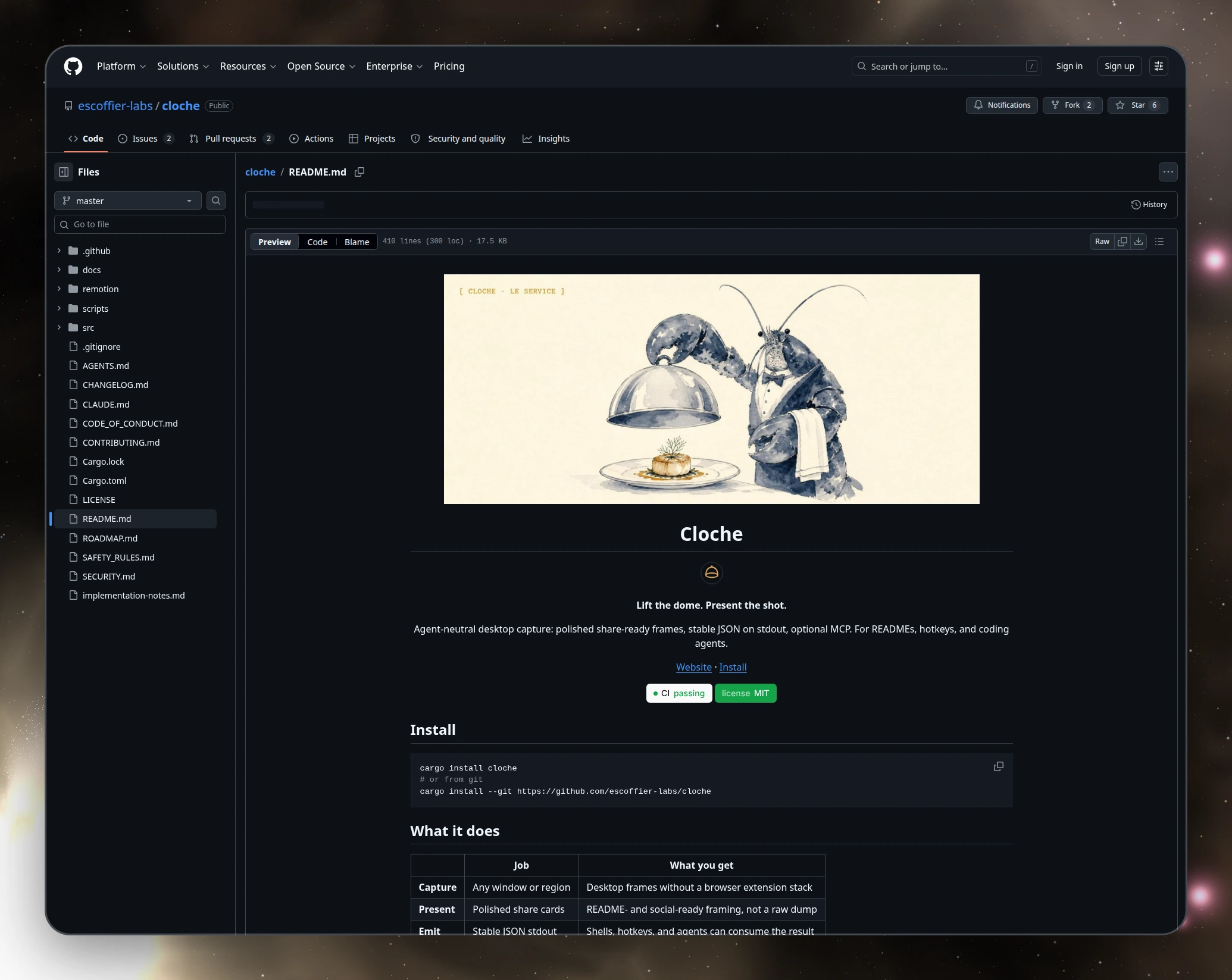
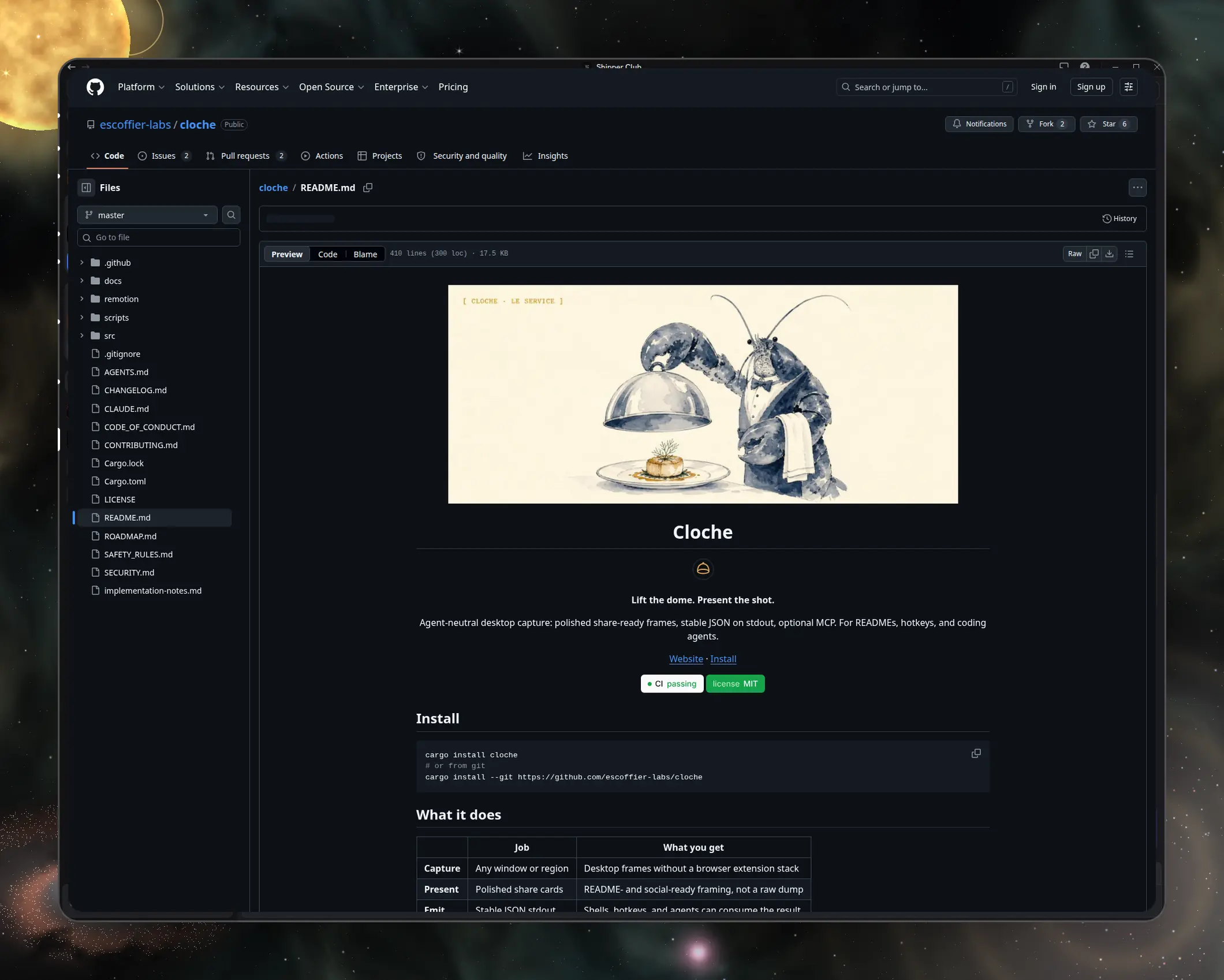
Every card sits in a sky that never existed twice.
Deep-space palettes are sampled from real astrophotography, then drawn from noise at
render time. Pin a palette or a telescope look; the same
--style-seed reproduces one sky exactly.
-
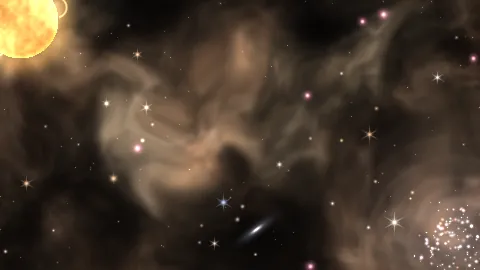 orion-emission
 -
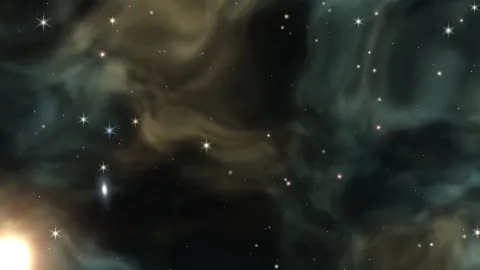 carina-hubble
 -
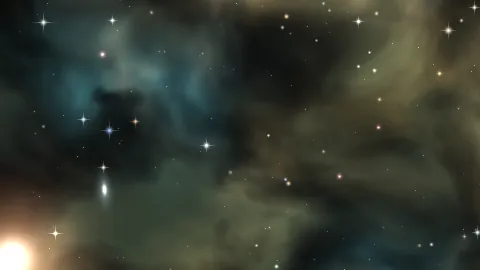 milkyway-core
 -
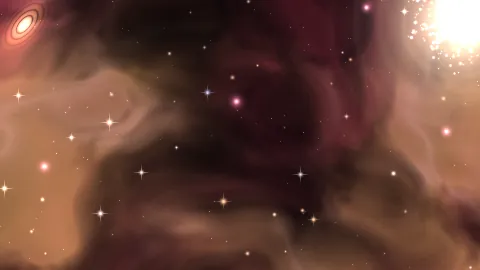 horsehead-flame
 -
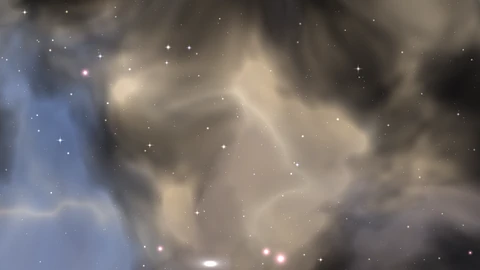 andromeda-haze
 -
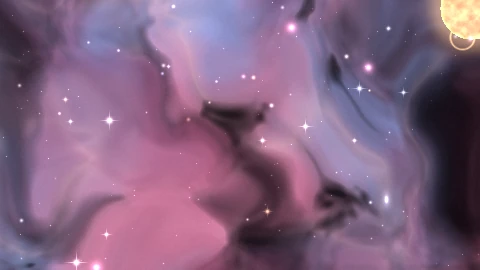 lagoon-trifid
Also: pleiades-reflection, rho-ophiuchi,
andromeda-haze, lagoon-trifid, tarantula-web,
sombrero-dust, and gradient or pattern backdrops when you want them.
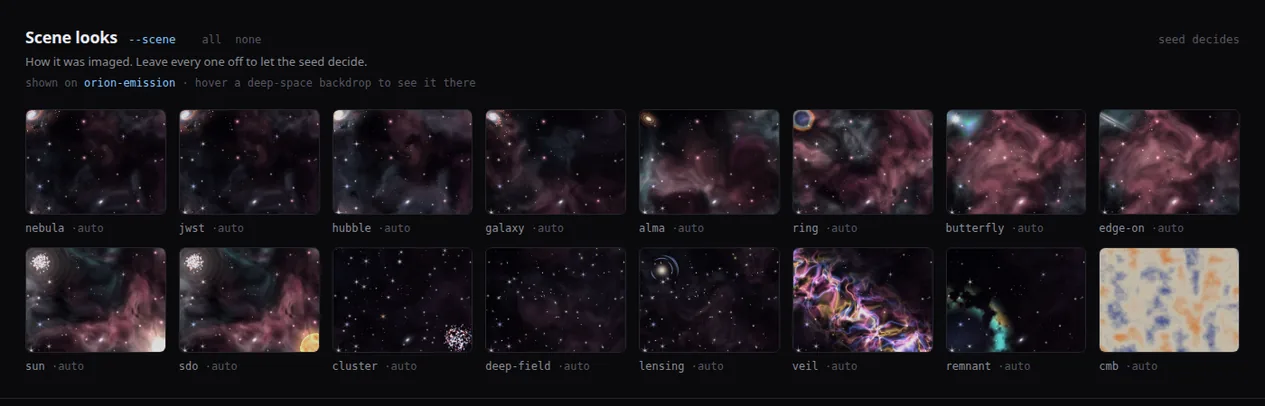
Scenes include jwst, alma, cmb, and more.
cloche polish shot.png --palette horsehead-flame --scene alma --style-seed 7
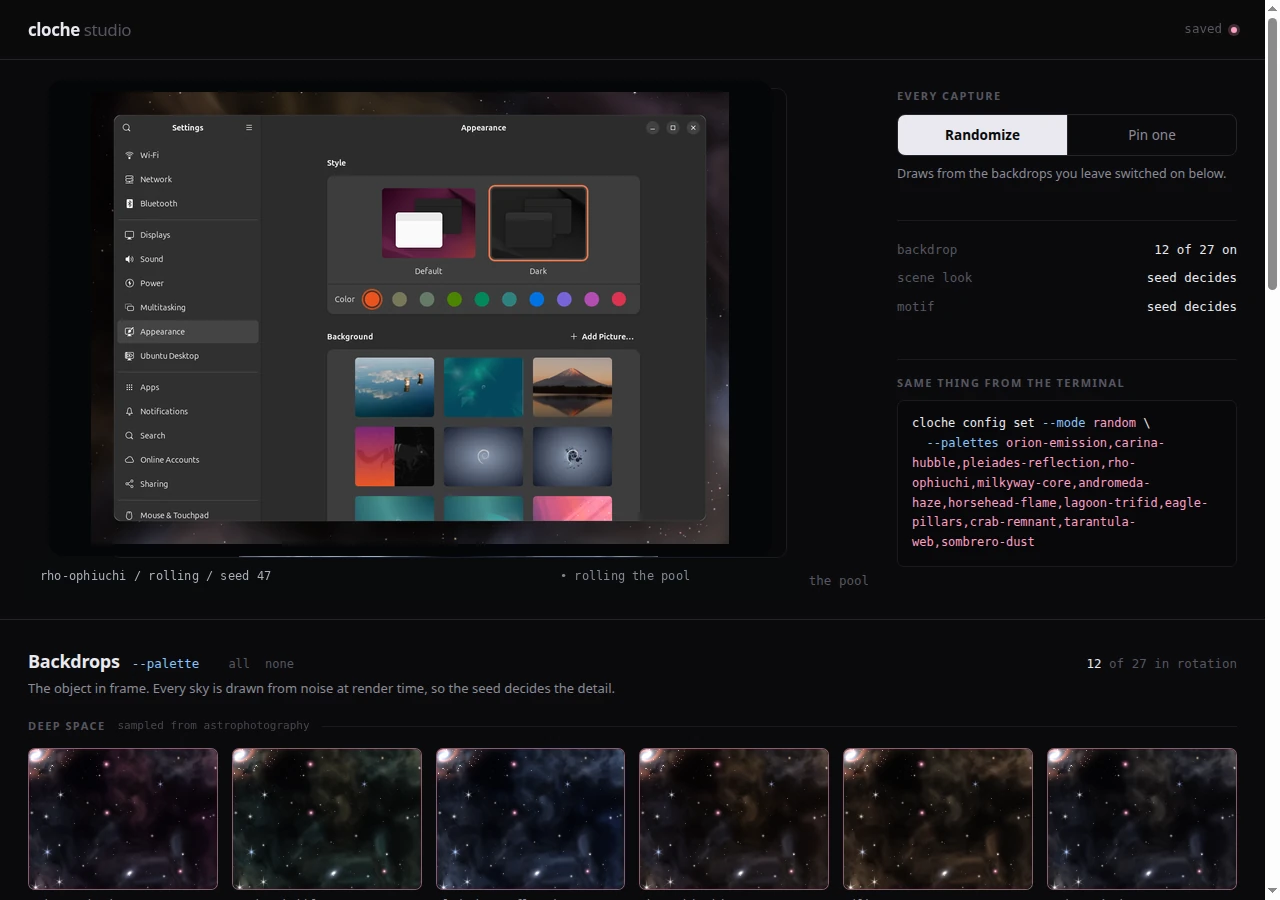
Cloche Studio is the visual side of the same config.
Toggle which backdrops stay in rotation, preview scene looks and motifs, then write the
preferences capture and polish already honor. Same flags in the
terminal; Studio just lets you see them first.
cloche studio
One capture. Three forms you can use.
Exit 0 only when the raw image is written. Card polish and text extraction are warnings if they fail, not silent zeros.
- Raw
-
shot.pngexactly as the compositor saw it. cloche capture --target active - Card
-
shot-card.pngframed on a procedural sky for demos and posts. --palette · --scene · --style-seed - Contract
- The same JSON on disk and stdout. Pipe it, parse it, or hand it to an agent. cloche schema · metadata.json
Shots ship. Motion is next.
One presentation system. Stills today; short recordings on the roadmap.
- Shots available
Still capture of the active app or a named window, with card + metadata.
- Reels planned
Short desktop recordings with the same framing system. Not shipped as capture yet.
- GIF export after Reels
Loops from finished Reels as a delivery format, not a capture mode.
Same command for shell and agents
Agent-neutral by design. Codex, OpenClaw, Claude Code, Hermes, a local MCP client, or a plain script all share one path.
{ "type": "localImage", "path": "/abs/path/shot.png", "detail": "high" } cloche codex-payload builds a Codex turn/start payload from a shot directory.
cloche mcp exposes the same code path over stdio.
Commands you will actually use
| Command | What it does |
|---|---|
| cloche capture --target active | Focused app or window. Default. |
| cloche polish shot.png --palette milkyway-core --scene jwst | Pin a deep-space look on an existing image. |
| cloche studio | Local visual picker for palettes, scenes, and motifs. |
| cloche preview | Open the most recent capture. |
| cloche gallery --limit 10 | Self-contained HTML gallery of recent shots. |
| cloche schema | Stable JSON schema for capture output. |
| cloche doctor --format json | Validate capture support on this machine. |
| cloche mcp | Stdio MCP server over the same code path. |
The appshots binary remains an alias for the same code path.
Why it's called Cloche
A cloche is the silver dome that presents a dish cleanly. Lift it, and the plate is ready.
lift the dome, the shot is plated
Part of the kitchen
Built by Escoffier Labs. Works alone; pairs with Brigade when you want receipts around the work that produced the shot.
More from Escoffier Labs
Local-first tools for AI coding agents
One kitchen, one brigade. Each tool does one job well, and they share one reviewed source of memory, config, and receipts.